Using the Lab environment
Each Lab has TWO Topologies that can be used:
First is the left side of the below diagram with a simple EVPN Multihoming Lab that we are going to build E2E in chapter 2.
Second is the right side of the below diagram with an already fully deployed IP-Clos Lab and WAN-Router attach via BGP. In that Lab we will practice:
DHCP-Relay forwarding in chapter 3
Practice a bit Access Assurance (Mist NAC) in chapter 4
Warning
These Labs are limited to Juniper employees only for various reasons. Partners need to execute this Lab together with a Juniper employee as only he can register and use the URL for Mist Cloud.

Registration Portal
Warning
The registration Portal only works (as with all easylink.juniper.net redirects) when you are logged into the Juniper Corporate VPN!
The teacher of the class will give every student a sheet of paper with a Team/Lab-Number to use on it.
Use the following URL to get redirected into Microsoft Forms for registration:
https://easylink.juniper.net/TS2024-AIDE-LABs
This should open a page looking like the below for registration:
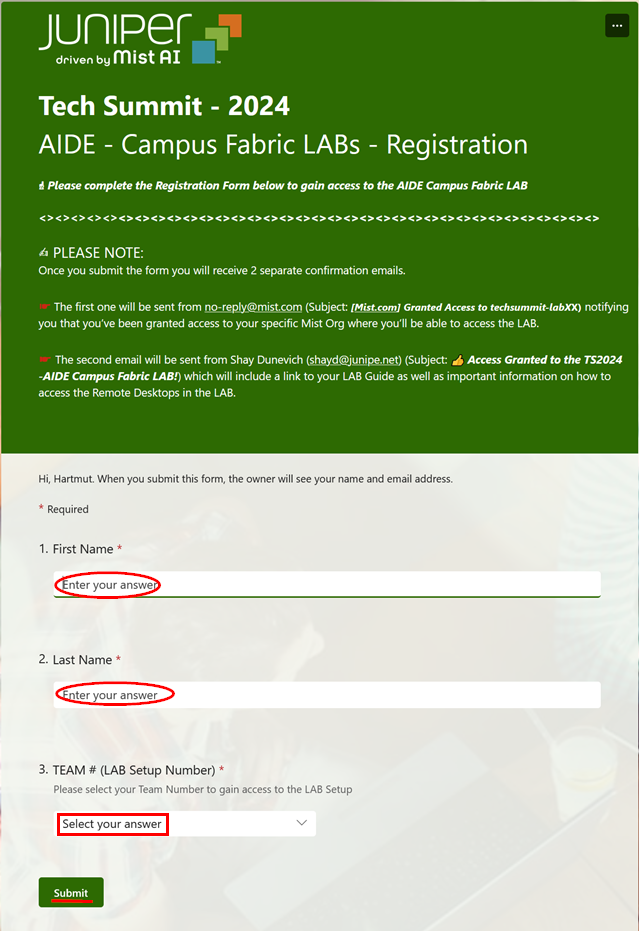
Fill out the form making sure you select the correct Team/Lab-Number and press submit.
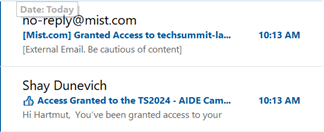
After a minute or so check your Corporate Email as you should now have two Emails in your inbox.
Mist Cloud Access
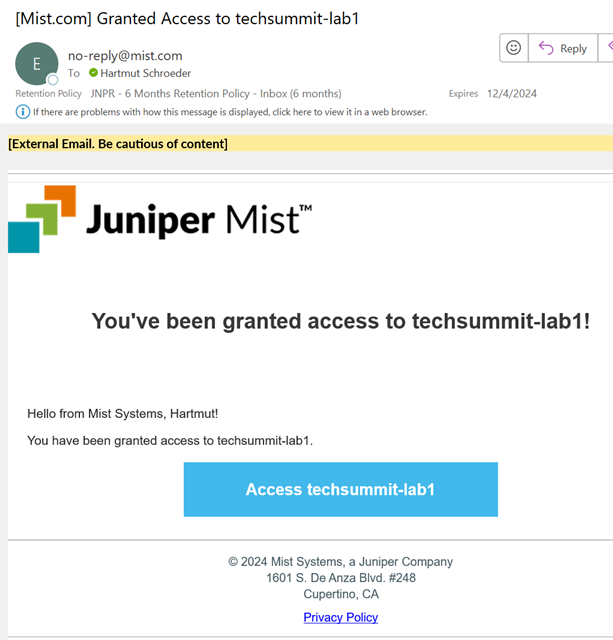
The registration portal will trigger sending you two Email. One contains the invite to the selected Lab organisation in the Mist Cloud. Check your corporate Email for this message. It should look like the below example:
Note
You can NOT use https://manage.mist.com as in the Email! You must change the URL to https://integration.mist.com else you cannot manage the virtual switches of the Fabrics.
Please use https://integration.mist.com for login to the Mist Cloud
If you are in multiple clouds make sure selecting Global 01
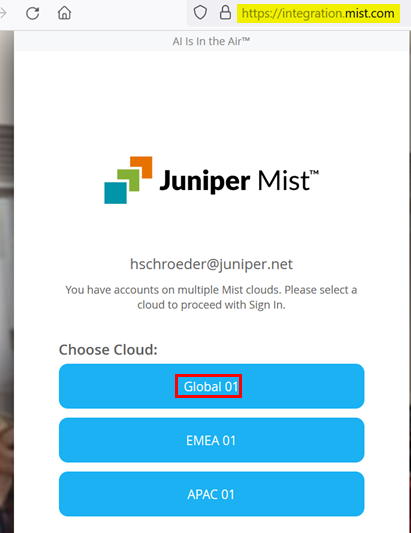
Go to the “techsummit-Lab*” that you see there (you should only have one).

It is recommended using the Mist Cloud for Remote Console to the Switches to save bandwidth.
Default Username and Password
For all VM’s, virtual Switches and the WAN-Router the default user/pass is:
Username=root
Password=juniper123
Note
Apache Guacamole access is an exception for security reasons! There the username/pass is derived form the Mist ORG-ID as shown in next section.
Remote Apache Guacamole access
The desktop VM’s (and DHCP-Server) cannot be accessed through Mist Cloud directly.
However, we need them to cause Traffic through the Fabric emulating a wired client.
For about 10% of the exercises, you need to remotely access the Apache Guacamole instances that are part of the Labs via any html5 Web-Browser. Each Lab has a different entry point and URL to use depending on where you are coming from. This URL is part of the registration email that you received from the Portal in chapter 1.1 .

Warning
Make sure using http and not https when accessing Apache Guacamole.
Warning
Access to these URLs is only granted if your Source IP-Address is from the Corporate Zscaler Infrastructure. You should have enabled already Internet Security as a corporate policy. If not check the below!
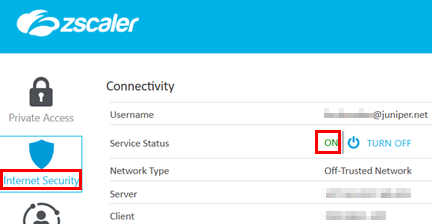
The landing Page displayed you get via using one of those URLs it the topology chart from chapter 1. There you can click on the displayed items to get re-directed to Apache Guacamole!
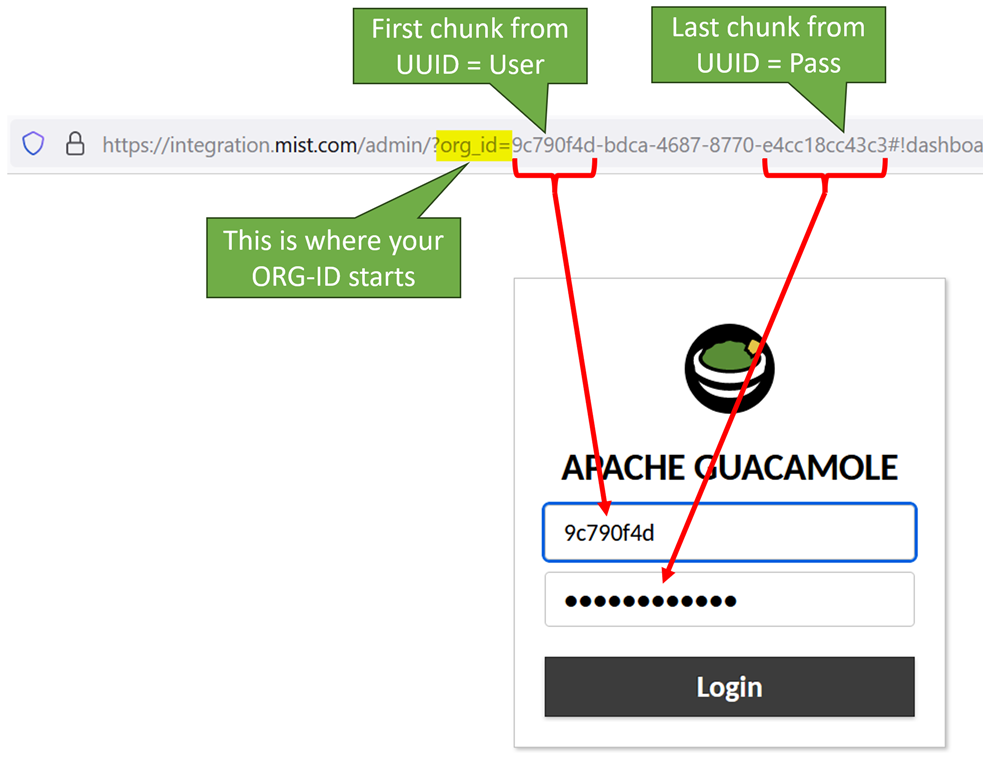
The default Username/Password cannot be used for Apache Guacamole. Instead, it is derived from your ORG-ID that you see in your browser when you login to Mist Cloud.
The first chuck of the UUID for the org is the username for Apache Guacamole.
The last chuck of the UUID for the org is the password for Apache Guacamole.
See the example below: